# Supertrend
Supertrend is a technical analysis indicator that helps determine the current trend direction and possible entry/exit points. It is built on the basis of ATR (Average True Range) and a multiplier coefficient, which makes it sensitive to market volatility.
Indicator structure
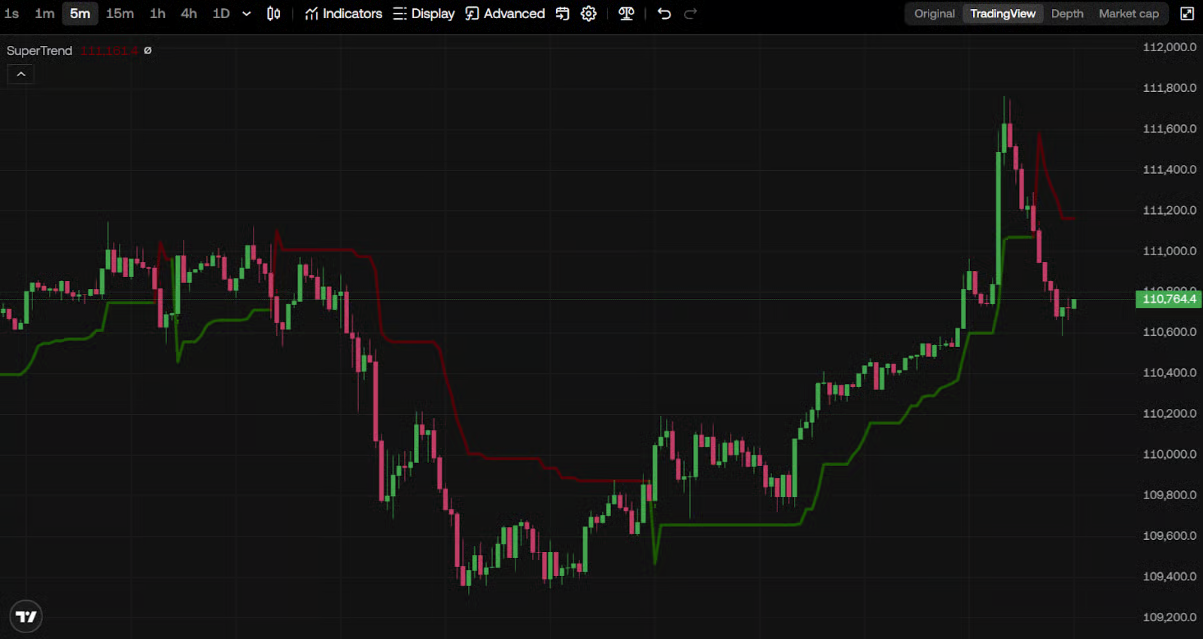
* The indicator is displayed as a line that “switches” above or below the price chart.
* Line below the price → signal of an uptrend (LONG).
* Line above the price → signal of a downtrend (SHORT).
How to enable Supertrend
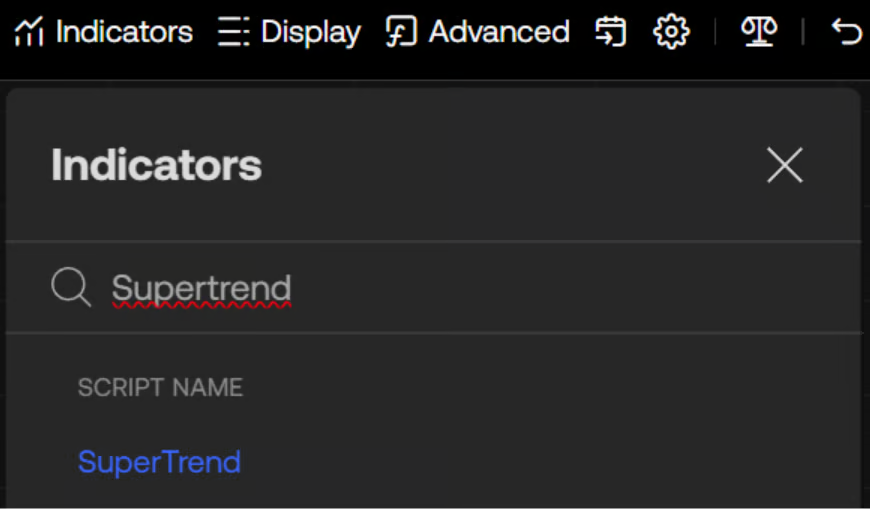
1. In the exchange terminal, click Indicators.
2. In the search field, type: “Supertrend”.
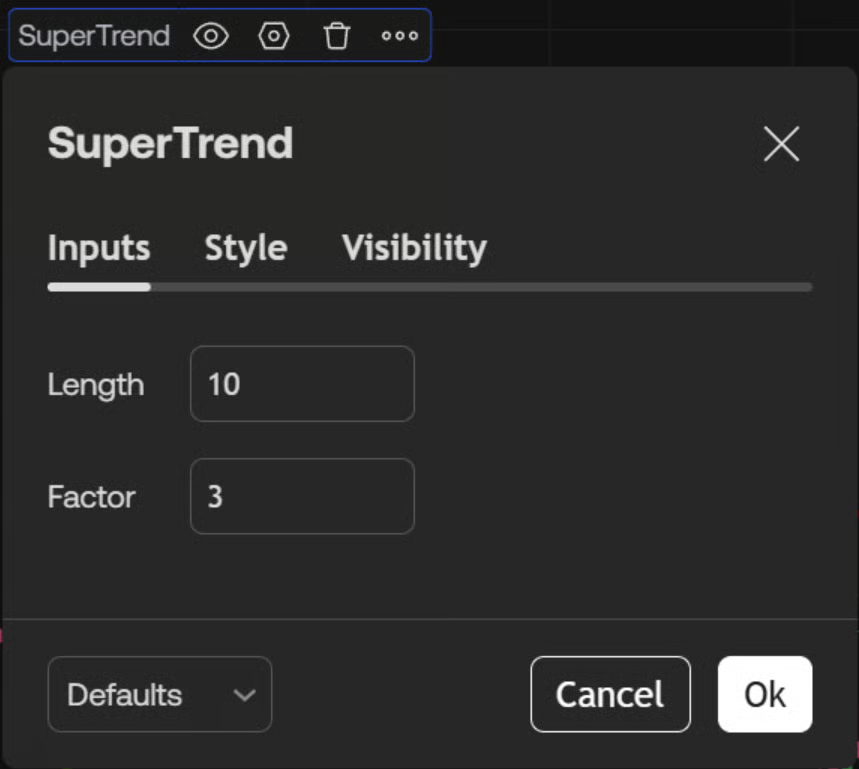
Parameter settings
* Timeframe: the number of candles used to calculate ATR.
* Factor (Multiplier): the coefficient by which ATR is multiplied (usually from 1 to 3).
* The higher the factor → the less sensitive the indicator (filters out noise).
* The lower the factor → the more sensitive Supertrend is to price changes.
Using in the bot
* Price > Supertrend → the bot starts if the price is above the indicator line (LONG signal).
* Price < Supertrend → the bot starts if the price is below the indicator line (SHORT signal).